Hi !
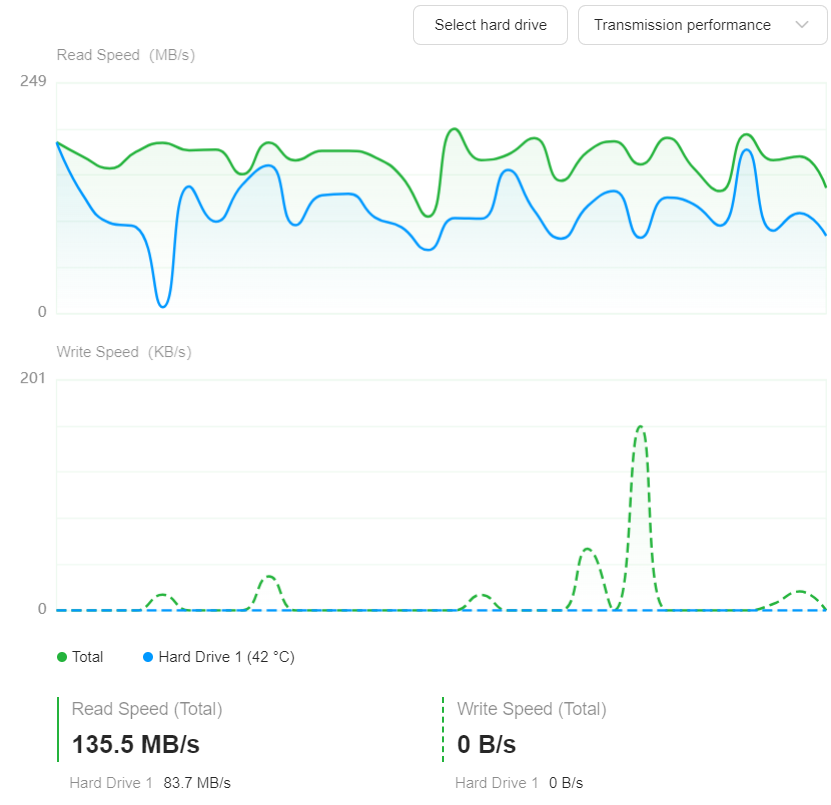
I made a job to backup 1,5 tb data to usb. It takes almost 2 weeks to make the backup. I know i dont have any disk problems. Is there any fix for this ? The app is not usefull if it will take that time. I have been using lots of qnap and synologys with same function and that take perhaps 2 hours or something like that. I have tried ext4 and ntfs but no difference. Any tips for me ?
That’s weird, as I just made a similar backup and it only took a few hours. I formatted my drive in exFAT, so I can use it with any modern computer.
Is your external drive not being detected properly, giving you only USB 2.0 speeds? Also, which model of NAS do you have?
Hi, thanks for answer, i have tried different ports on nas, and i have tried format external disk to ext4 and ntfs. I dont want exFat so i updated nas now, since there was an update, and now i am trying again  . I am using usb3 port back on my 8800 nas.
My nas is dxp8800plus and it is still working with backup. I tried another external usb disk but still the same. I will try exFat. I could se there was 262 gb copied since yesterday.
Its useless when it is that slow. I tried exFat but there is no difference. I guess there might be hardware problems since i can use same disk in qnap and it was working good.
I would try contacting the Ugreen support, as that isn’t right.
As I said, I backed up a couple of TB the other day, it took a couple of hours and I “only” have a DXP4800 Plus.
1 Like
Thanks, i was able to get backup working now.
It took 10 hours for 1,2 tb. My solution was to make a copy of all data to another internal disc at the same time, so the disc was up and working all time. So there might be something about disk in sleepmode or something like that.
Very strange, I have my two RAID 1 drives set to sleep after 10 minutes, but again, didn’t have any issues performing a backup.
Did you do the entire drive or did you select which directories to back up? I didn’t do the entire drive.
Its only permission to post 1 media in this forum. Maybee some admin should change that.
So this picture is not so good quality:
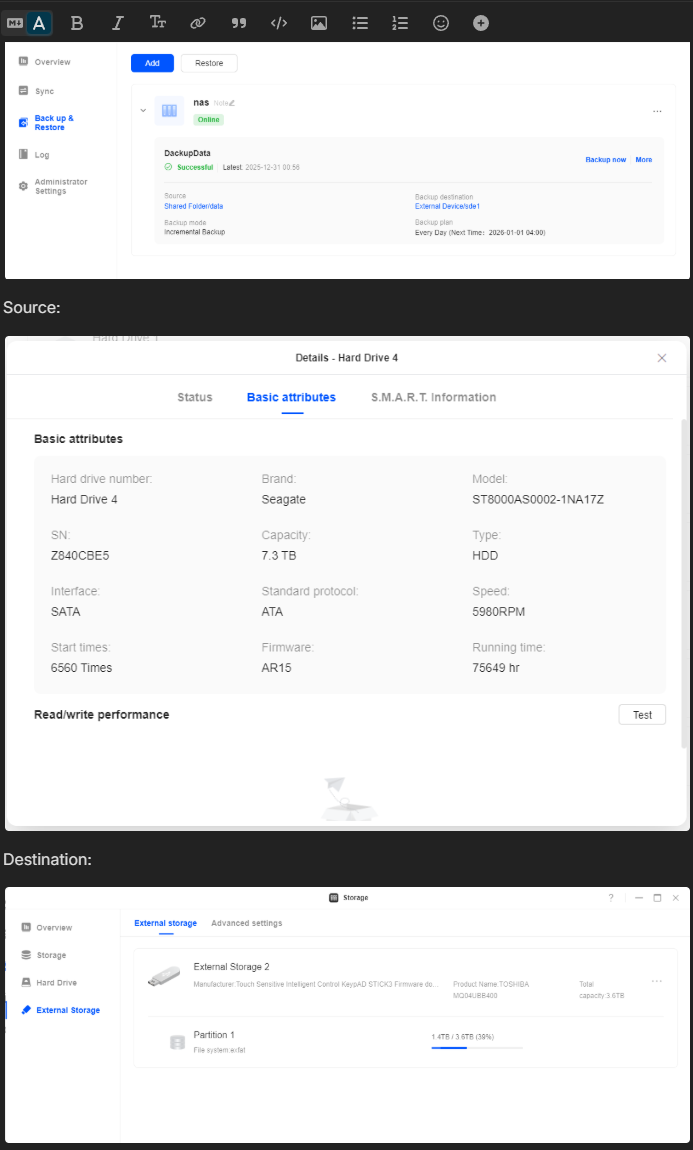
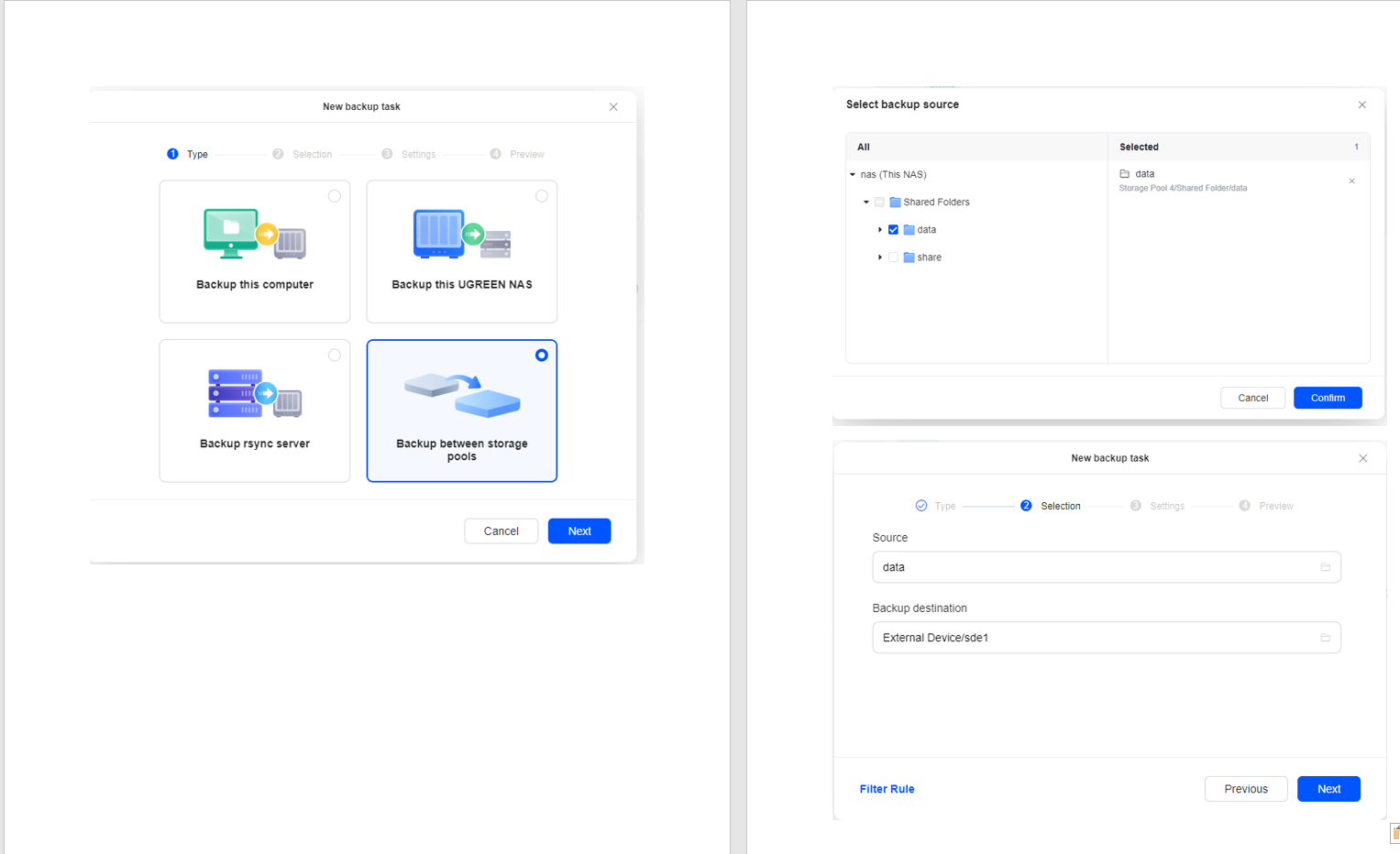
Its hard to trust this backup but it is working now since it will only copying changes after this first big copy. And i dont use raid, i replicate to another site so i have backup on 3 different discs and 2 places. But i think apps and firmware will get better with time, and it fun with other things than qnap and synology.