Hi
here is my best yaml setting for iventoy using mcvlan network
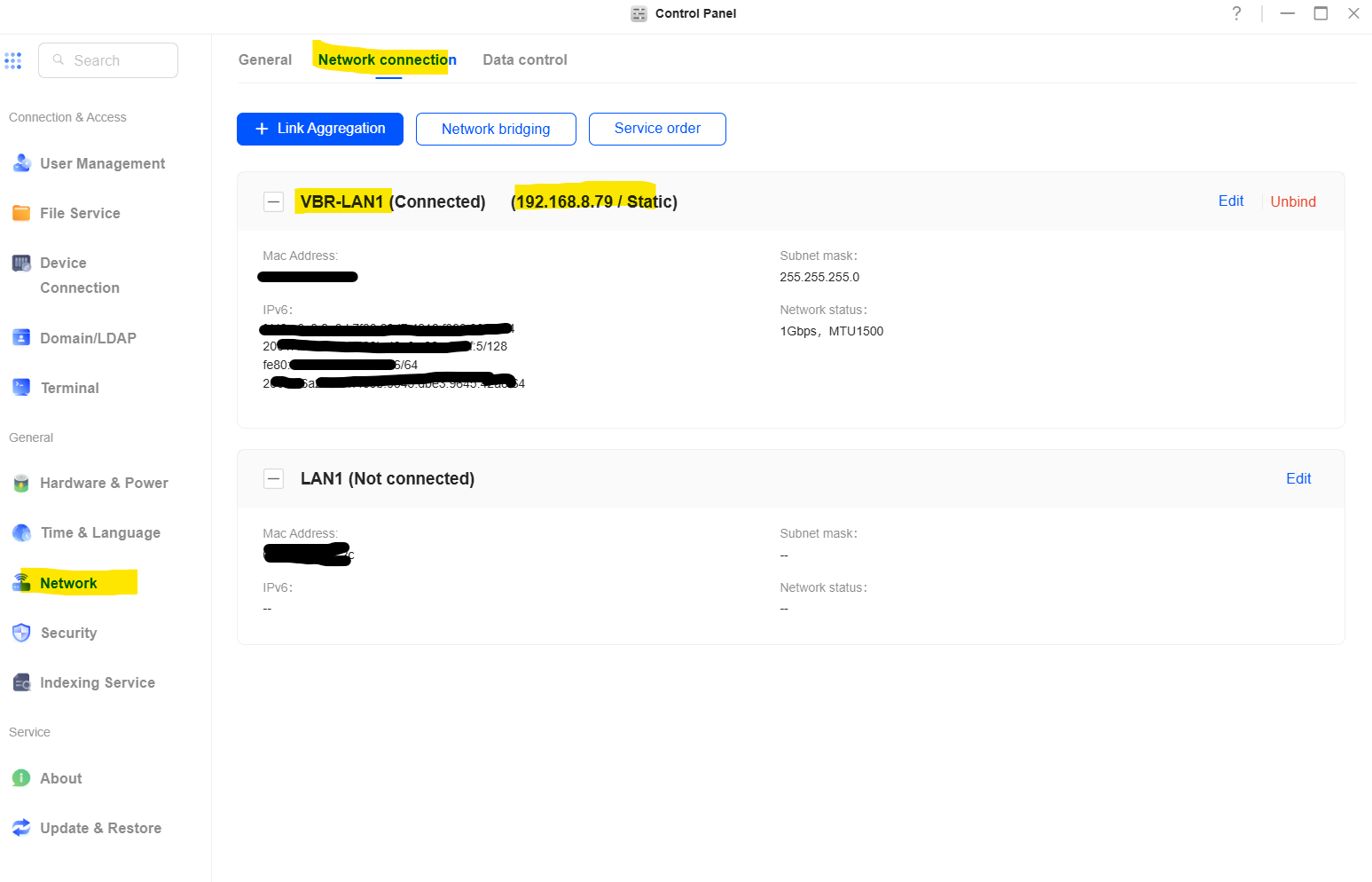
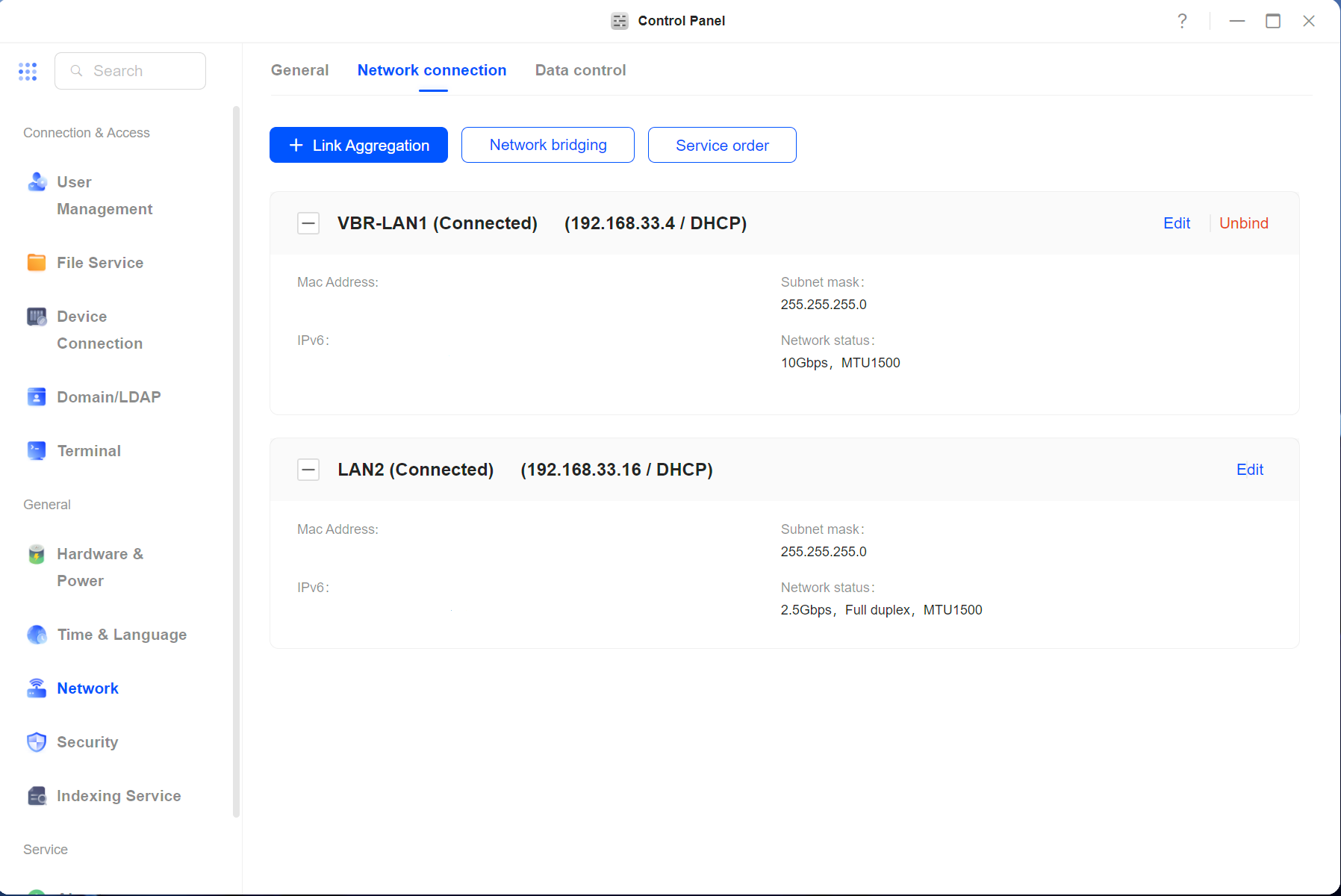
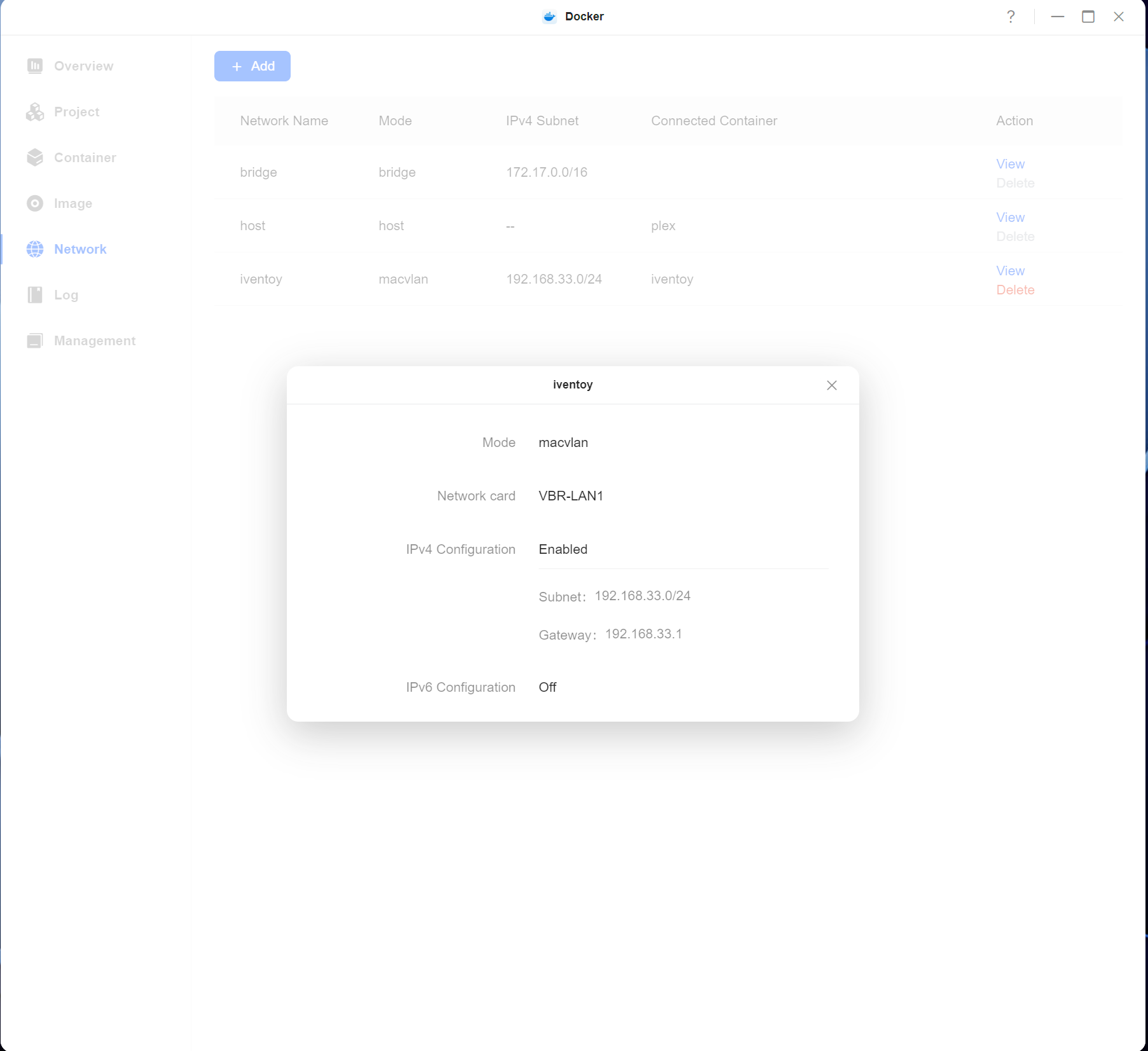
1 - network connection LAN should be VBR mode as shown in pic
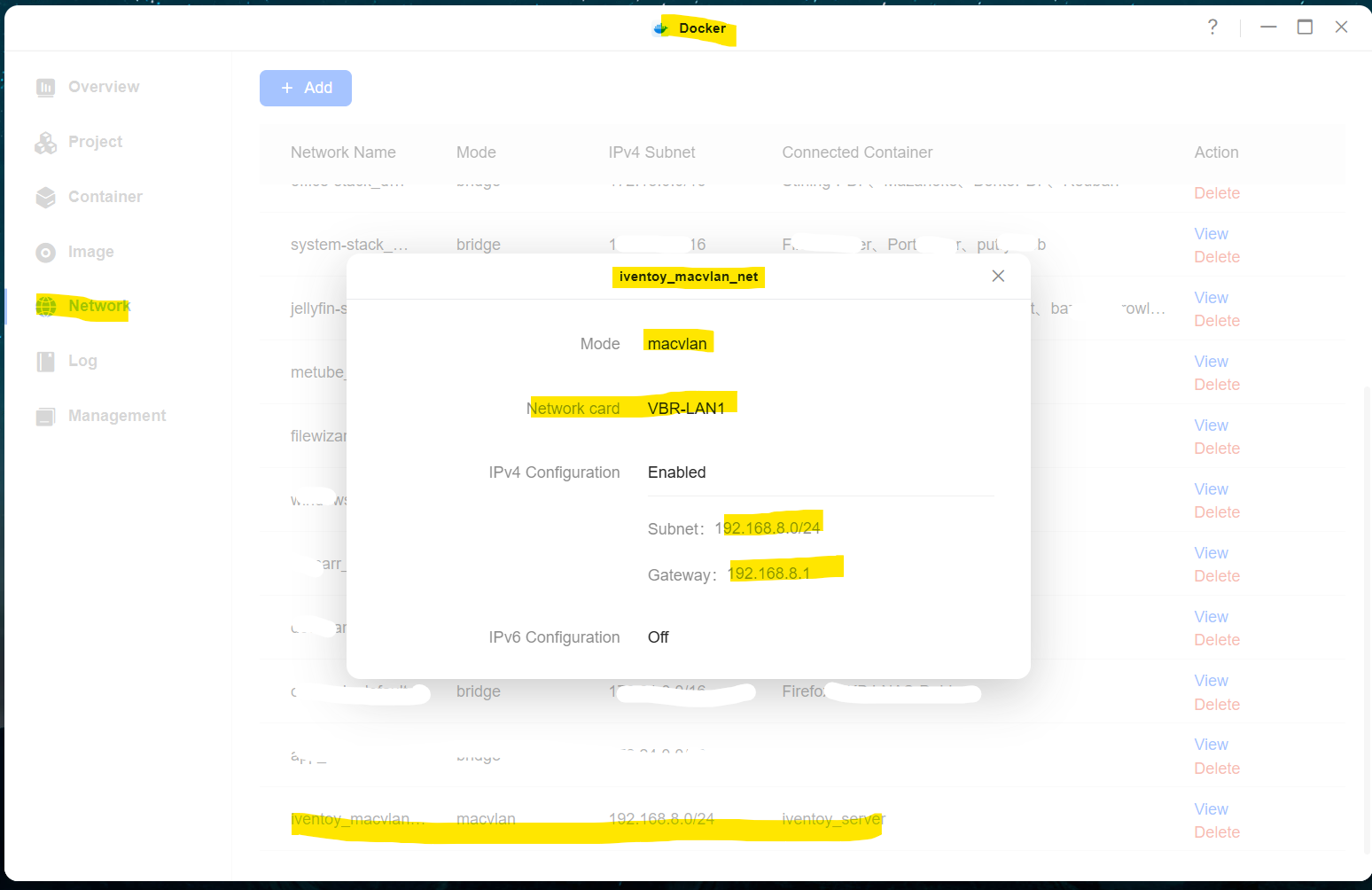
2 - create Mcvlan network as shown in pic
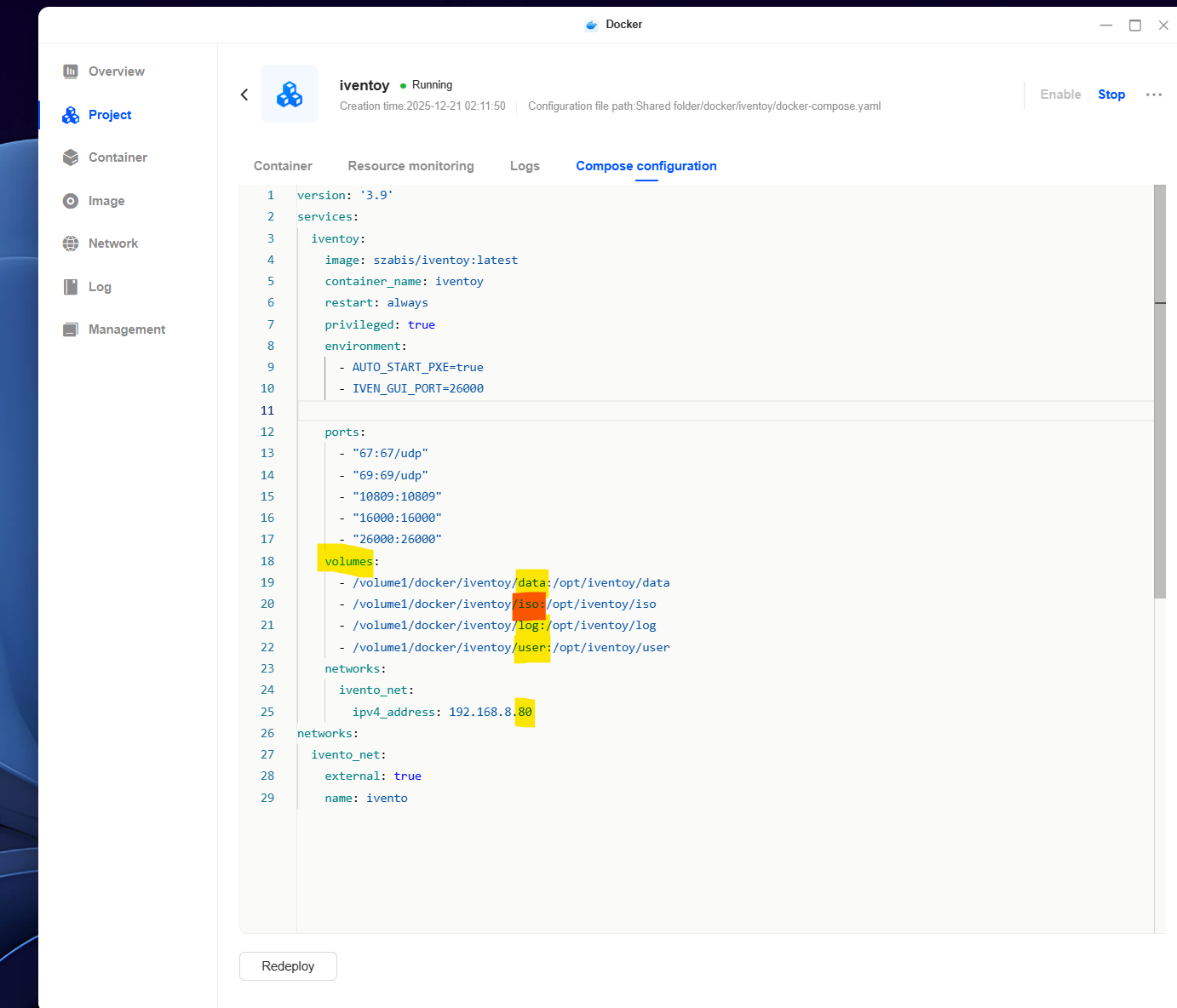
3- create folders as volumes in yaml
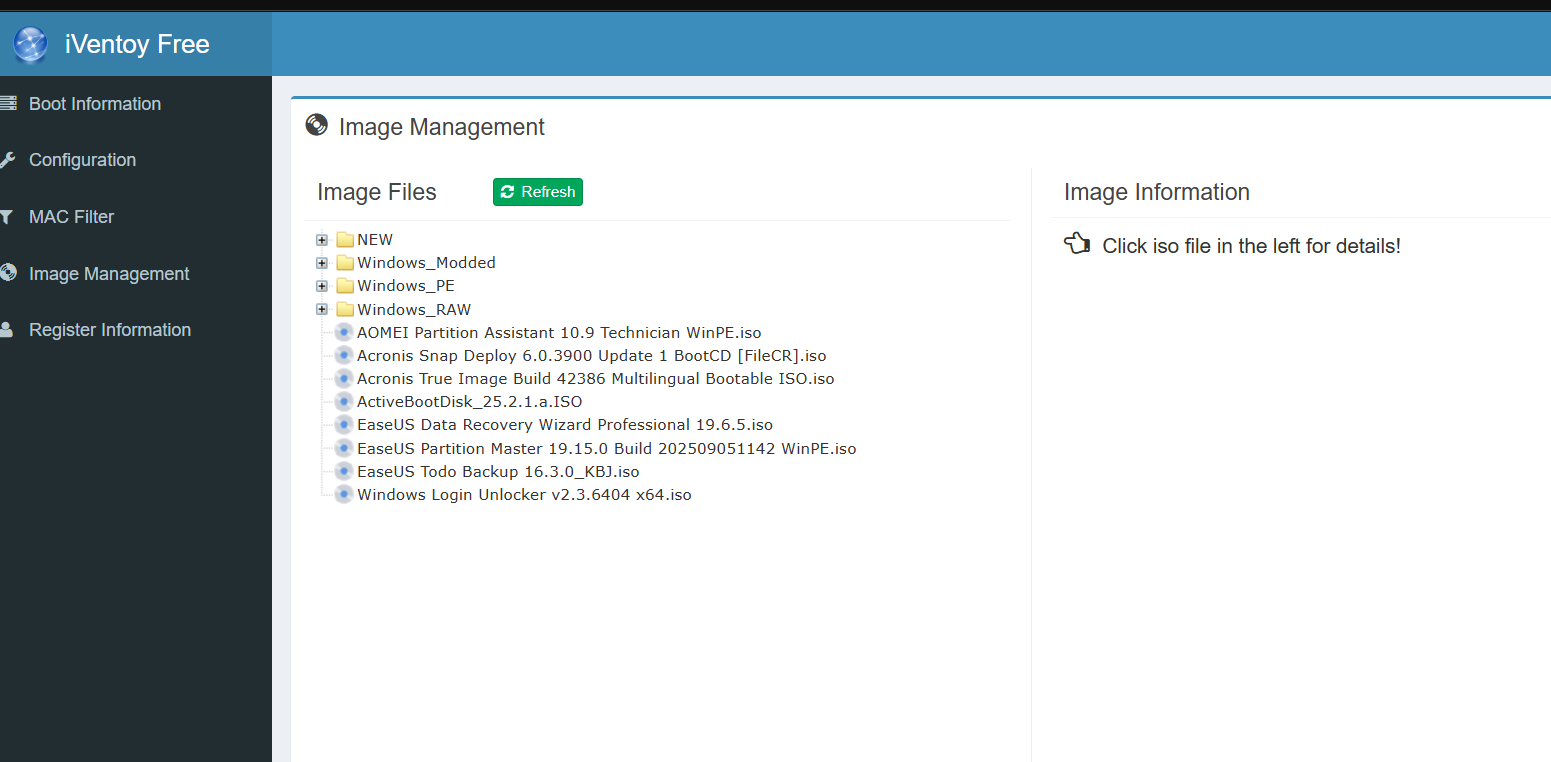
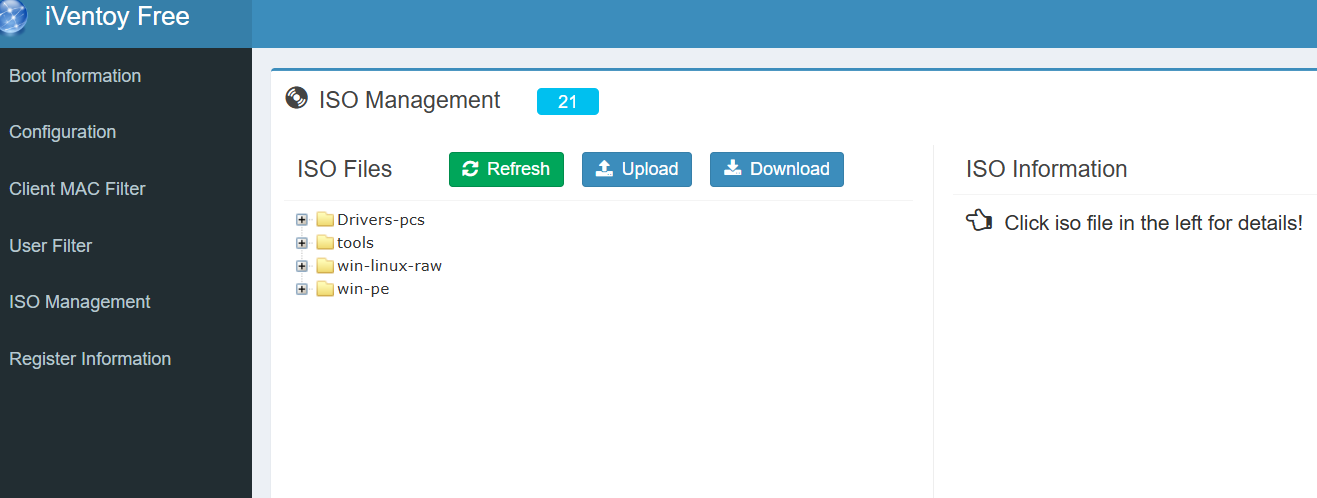
4- copy all iso in iso folder as yaml
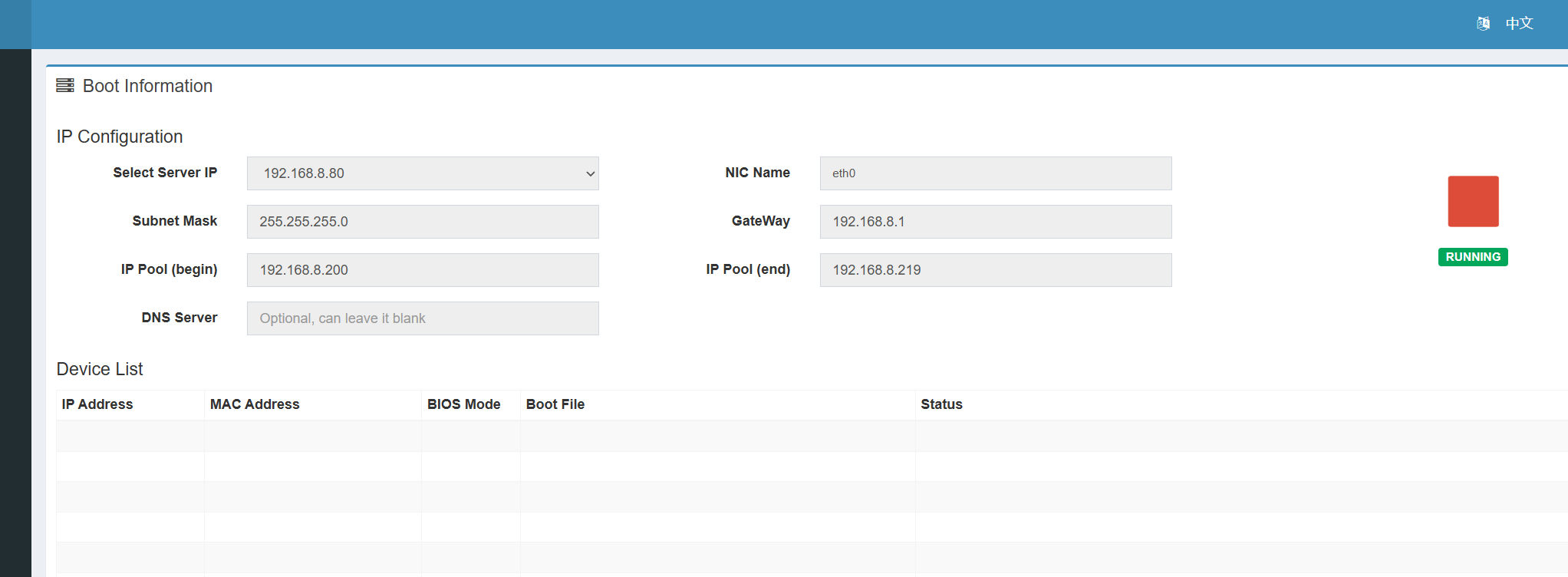
-5 ** assign any IP that works with your network conf. and it should not the same as your nas IP
6- paste yaml in docker
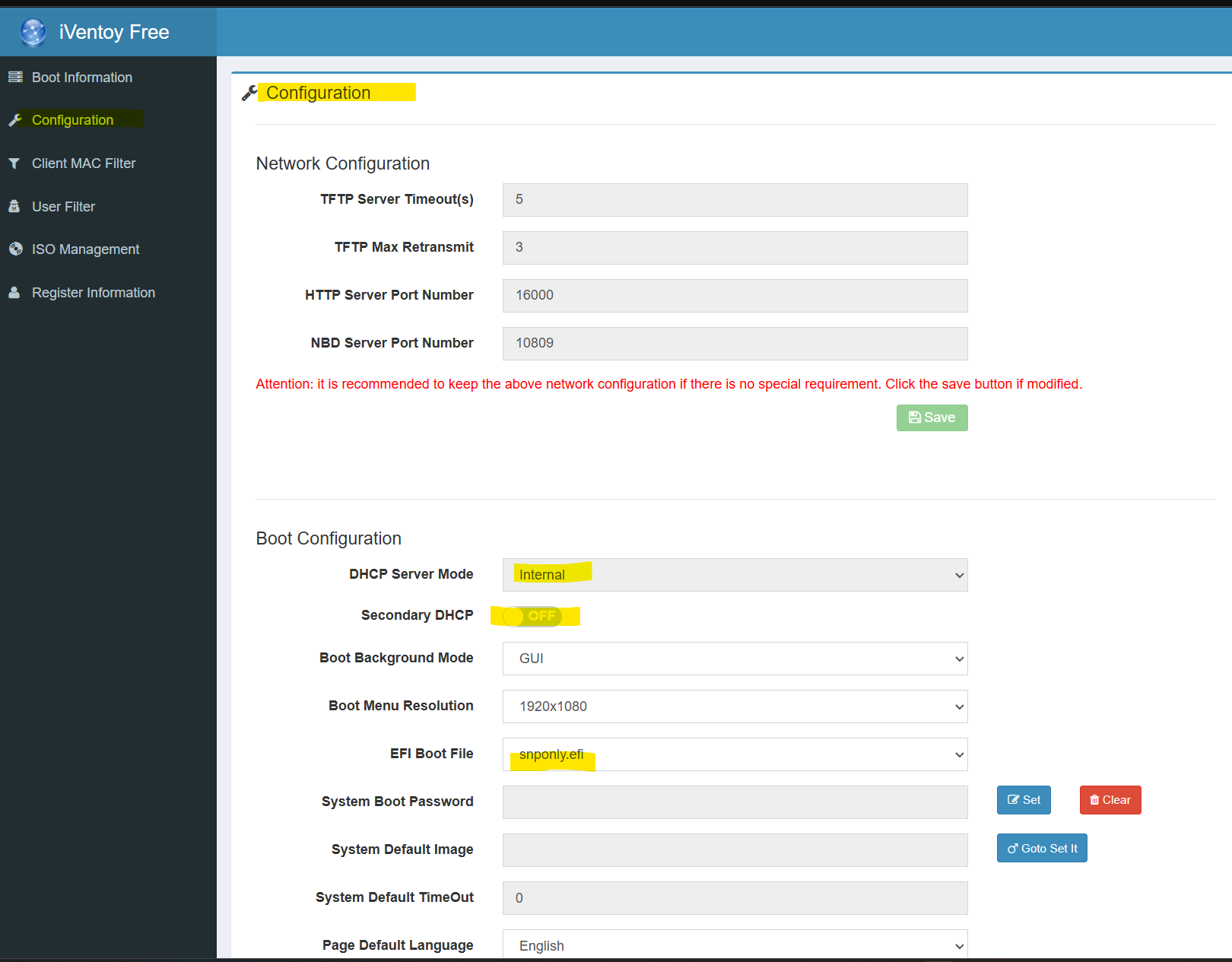
now u have working PXE in your network
version: '3.9'
services:
  iventoy:
    image: szabis/iventoy:latest
    container_name: iventoy
    restart: always
    privileged: true
    environment:
      - AUTO_START_PXE=true
      - IVEN_GUI_PORT=26000

    ports:
      - "67:67/udp"
      - "69:69/udp"
      - "10809:10809"
      - "16000:16000"
      - "26000:26000"
    volumes:
      - /volume1/docker/iventoy/data:/opt/iventoy/data
      - /volume1/docker/iventoy/iso:/opt/iventoy/iso   #iso files
      - /volume1/docker/iventoy/log:/opt/iventoy/log
      - /volume1/docker/iventoy/user:/opt/iventoy/user
    networks:
      ivento_net: #the name of macvlan i created in docker network
        ipv4_address: 192.168.8.80  # change it to the one you like but not same nas ip

networks:
  ivento_net:
    external: true
    name: ivento
I had it working under the latest update, but foolishly didn’t have a back up of my docker compose, now it works until I press the the green play button, then it crashes saying service unavailable….
well I have managed to make it work again
and I think that because of the latest update of ugos or iventoy
i use this image : ziggyds
yaml:
services:
iventoy:
image: ziggyds/iventoy:latest
container_name: iventoy_server
restart: always
privileged: true
networks:
iventoy_macvlan:
ipv4_address: 192.168.8.80  #this will be the ip for iventoy you can change it to the one you need
environment:
- PUID=1000
- PGID=10
- TZ=Asia/Riyadh
- AUTO_START_PXE=true
volumes:
- /home/userKKKK/PC/iso:/app/iso    #you can link to isos locations as you need
- iventoy_data:/app/data
- /volume1/docker/iventoy/log:/app/log

volumes:
iventoy_data:
name: iventoy_nas_data

networks:
iventoy_macvlan:   #here you should make mcvlan in docker network setting before start the service
name: iventoy_macvlan_net
driver: macvlan
driver_opts:
parent: bridge0
ipam:
config:
- subnet: 192.168.8.0/24
gateway: 192.168.8.1
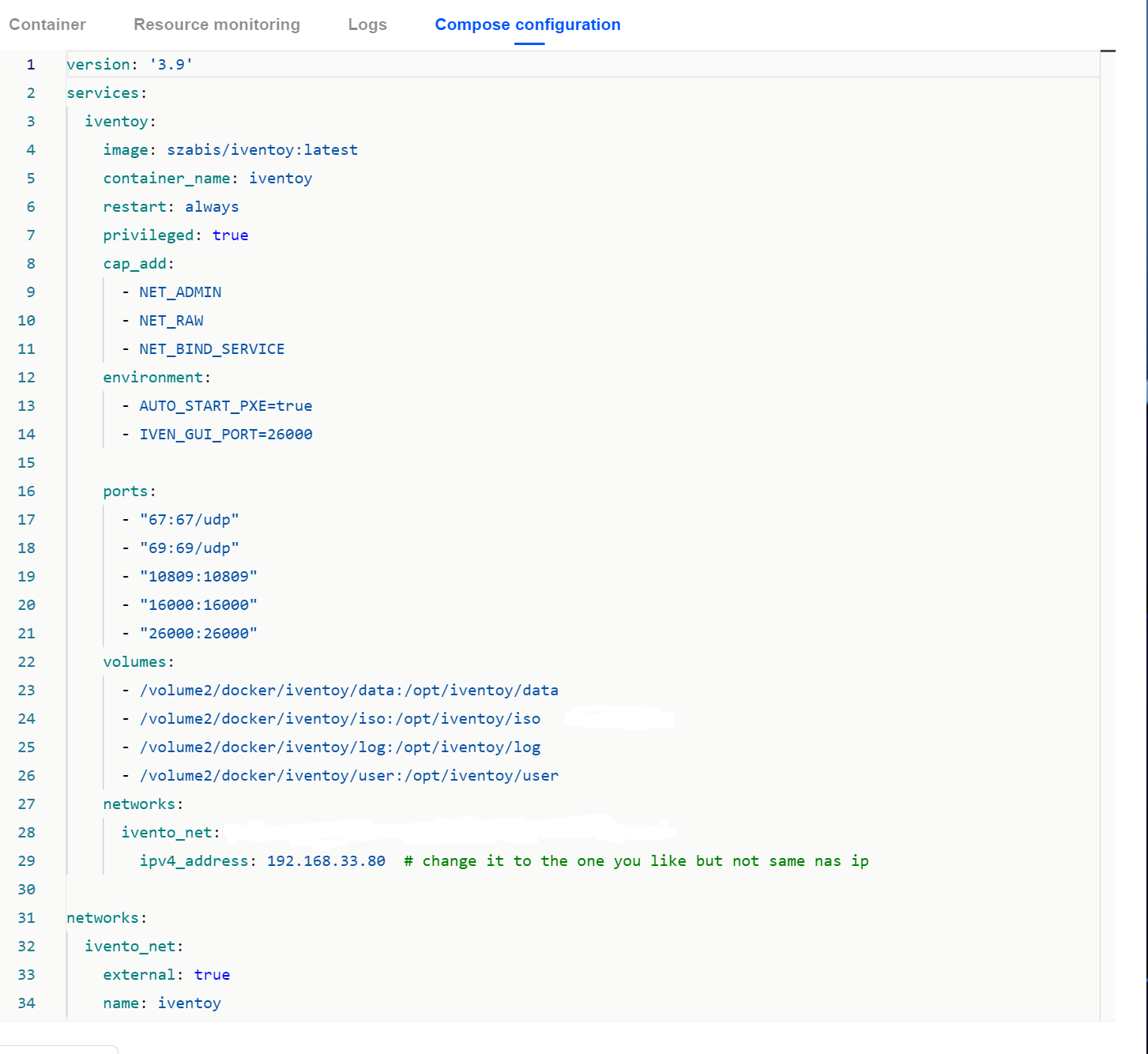
Finally got this working using the following compose file…
version: ‘3.9’
services:
iventoy:
image: szabis/iventoy:latest

container_name: iventoy

restart: always

privileged: true

cap_add:

  - NET_ADMIN

  - NET_RAW

  - NET_BIND_SERVICE

environment:

  - AUTO_START_PXE=true

  - IVEN_GUI_PORT=26000


ports:

  - "67:67/udp"

  - "69:69/udp"

  - "10809:10809"

  - "16000:16000"

  - "26000:26000"

volumes:

  - /volume2/docker/iventoy/data:/opt/iventoy/data

  - /volume2/docker/iventoy/iso:/opt/iventoy/iso   #iso files

  - /volume2/docker/iventoy/log:/opt/iventoy/log

  - /volume2/docker/iventoy/user:/opt/iventoy/user

networks:

  ivento_net: #the name of macvlan i created in docker network

    ipv4_address: 192.168.33.80  # change it to the one you like but not same nas ip