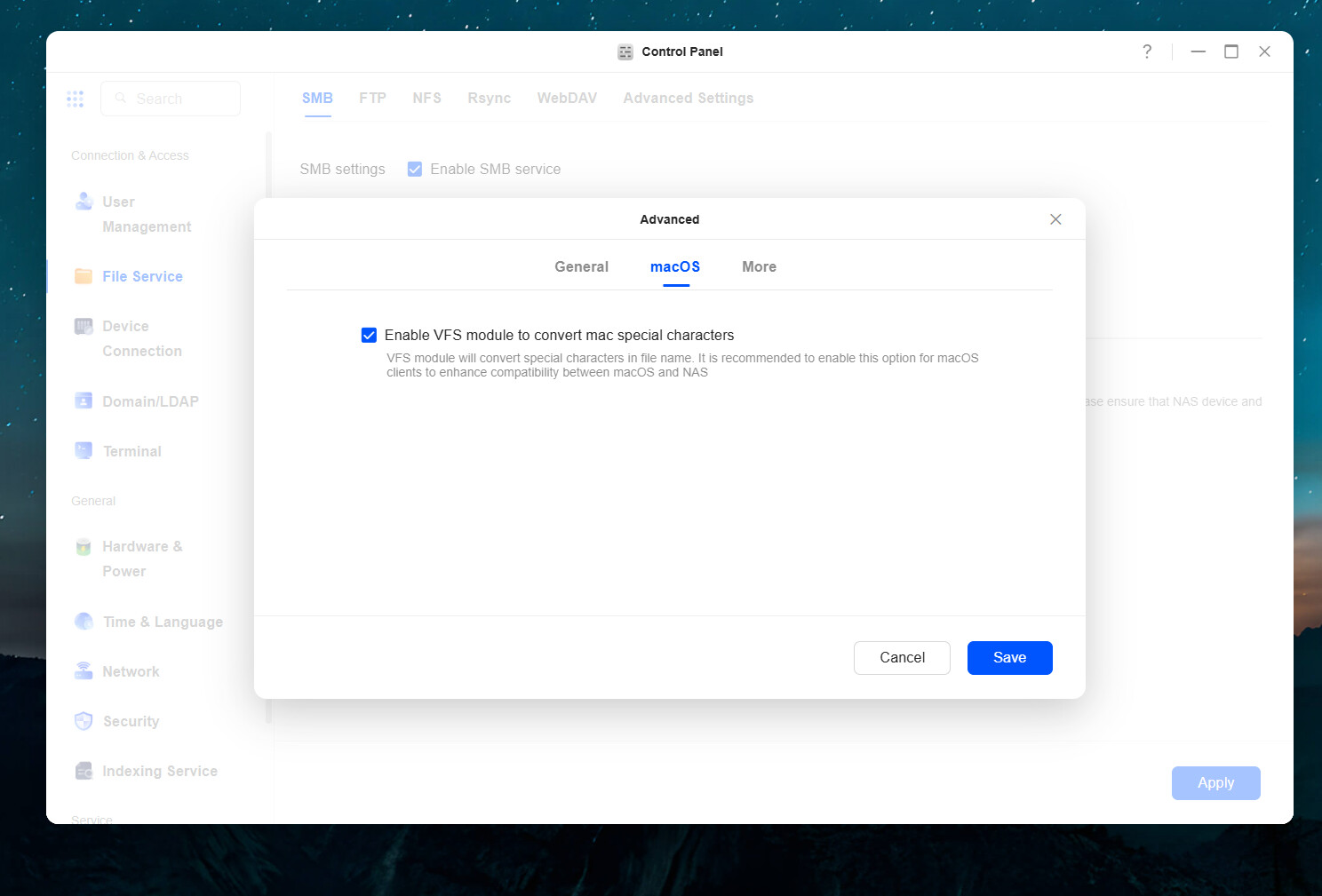
I got a UGreen DXP4800 Plus, and before the internal SSD drives arrive at my home, I just attach a brand new external SSD to the DXP4800 Plus.
This new SSD drive is Lexar 2TB ES5 Magnetic External SSD, and is rated 4.5 stars out of 5 stars on Amazon.
I can format this SSD drive to ext4 or exFAT, but for either case, when I copy files over from my MacBoook Finder app using SMB, the files get copied over, but sometimes is immediately greyed out in Finder.
Sometimes it is not greyed out, but a few minutes later, it becomes greyed out.
When it is greyed out, then I cannot open the file on the Mac, making the files useless but probably are occupying space on the SSD.
ChatGPT 5.2 and Gemini 3 both said that Mac finds that the file is not usable or not ready or something. Gemini also suggested it may be additional attributes or .DS_Storeand they cannot be written, causing the issue. (But I thought UGreen NAS has been around for a couple of years for this kind of issues to be ironed out).
I noticed right now, if I use 5Gbps Ethernet adapter to copy over the files, it can happen more often. If I use the old Gigabit Wifi to copy the file over, it happens less often, but I believe it still happens.
Right now after an hour, out of the 8 files I copied over, 4 are black, and 4 are greyed out.
I am using MacBook Air M4 with Sequoia 15.4 and the latest UGreen 1.12.1.0002 if it matters.
Gemini suggested I try using dot_clean /Volumes/MyNASPathand the files that got grey out, would show something like
copyfile: File exists
Merging /Volumes/Partition_1/try/._somefilename.mkv failed!
So how do I solve it? With my Synology NAS, this never happens.