This script is designed for high-performance 2-way synchronization. It ensures two folders stay perfectly identical, even when files are deleted or modified with timestamp on either side.
[!TIP]
I run this using an Alpine Docker container (via Docker CLI), but it can be adapted to your preferred environment. It’s especially effective on high-performance setups like the Ugreen DXP4800 Plus.
 How to Use It
Configure Folders: Open the .sh file and update DIR_A and DIR_B to the specific paths you want to sync.
Set Archive Path: Ensure ARCHIVE_DIR points to a persistent location (e.g., /volume1/docker/scripts/sync-archive) so the script remembers deletions and edits across runs.
 Key Features
 Conflict Resolution: By default, the newer file wins if the same file is edited on both sides, though this can be customized.
 Deletion Tracking: Safely handles file deletions using a dedicated archive folder to maintain 1:1 mirroring.
 Auto-Install: No manual setup required; the script automatically installs the Unison package if it’s missing
 Safety First: Includes a CONFIRM_BIG_DEL setting to prevent accidental mass deletions if one side happens to be empty.
sync.sh
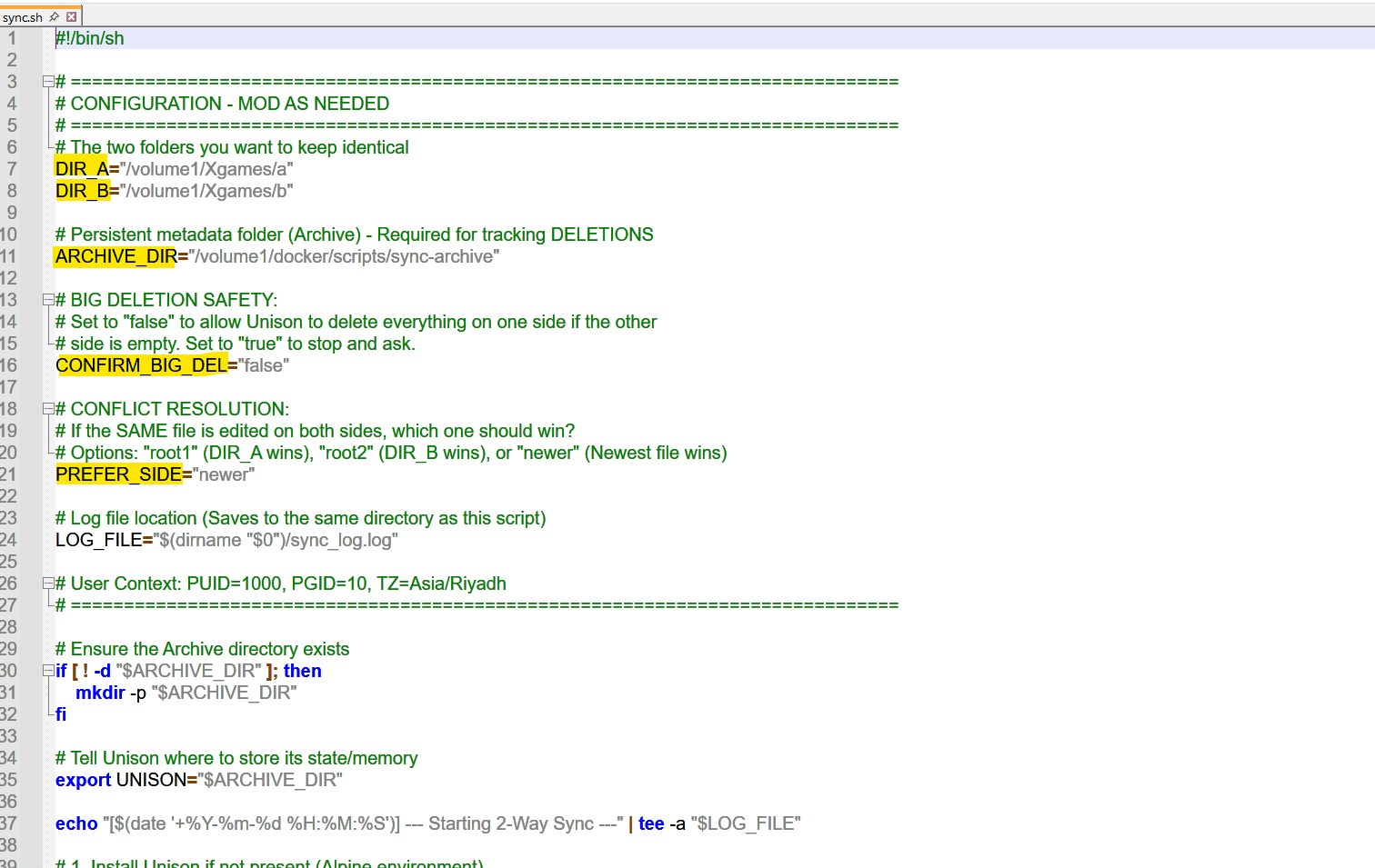
#!/bin/sh

==============================================================================

CONFIGURATION - MOD AS NEEDED

==============================================================================

The two folders you want to keep identical

DIR_A=“/volume1/Xgames/a”
DIR_B=“/volume1/Xgames/b”

Persistent metadata folder (Archive) - Required for tracking DELETIONS

ARCHIVE_DIR=“/volume1/docker/scripts/sync-archive”

BIG DELETION SAFETY:

Set to “false” to allow Unison to delete everything on one side if the other

side is empty. Set to “true” to stop and ask.

CONFIRM_BIG_DEL=“false”

CONFLICT RESOLUTION:

If the SAME file is edited on both sides, which one should win?

Options: “root1” (DIR_A wins), “root2” (DIR_B wins), or “newer” (Newest file wins)

PREFER_SIDE=“newer”

Log file location (Saves to the same directory as this script)

LOG_FILE=“$(dirname “$0”)/sync_log.log”

User Context: PUID=1000, PGID=10, TZ=Asia/Riyadh

==============================================================================

Ensure the Archive directory exists

if [ ! -d “$ARCHIVE_DIR” ]; then
mkdir -p “$ARCHIVE_DIR”
fi

Tell Unison where to store its state/memory

export UNISON=“$ARCHIVE_DIR”

echo “[$(date ‘+%Y-%m-%d %H:%M:%S’)] — Starting 2-Way Sync —” | tee -a “$LOG_FILE”

1. Install Unison if not present (Alpine environment)

if ! command -v unison >/dev/null 2>&1; then
echo “[$(date ‘+%Y-%m-%d %H:%M:%S’)] [INFO] Installing Unison…” | tee -a “$LOG_FILE”
apk add --no-cache unison >/dev/null 2>&1
fi

2. Run Sync

echo “[$(date ‘+%Y-%m-%d %H:%M:%S’)] [RUNNING] Syncing: $DIR_A ↔ $DIR_B” | tee -a “$LOG_FILE”

unison “$DIR_A” “$DIR_B”
-batch
-auto
-times
-confirmbigdel=“$CONFIRM_BIG_DEL”
-prefer=“$PREFER_SIDE” 2>&1 | while read -r line; do
# Detailed live logs showing file-location-result
echo “[$(date ‘+%Y-%m-%d %H:%M:%S’)] [DETAIL] $line” | tee -a “$LOG_FILE”
done

3. Final Result Check

if [ ${PIPESTATUS[0]} -eq 0 ]; then
RESULT=“SUCCESS”
else
RESULT=“FINISHED (Check logs for any remaining issues)”
fi

echo “[$(date ‘+%Y-%m-%d %H:%M:%S’)] [RESULT] $RESULT” | tee -a “$LOG_FILE”
echo “------------------------------------------------------” | tee -a “$LOG_FILE”