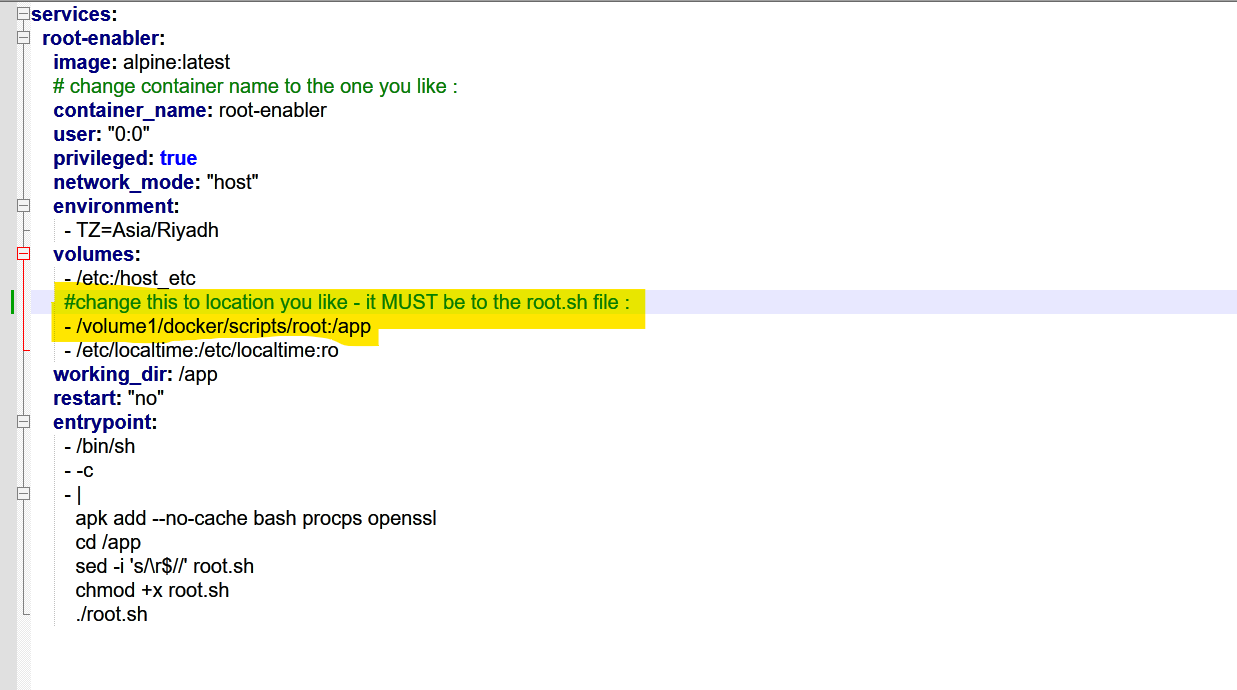
Hi here is my simple way to root my ugreen nas (4800 plus tested) one click no need for PC or Mobile.
This method enables root SSH access on Ugreen NAS by a privileged container – NO need for PC or Mobile
DO ON YOUR RISK!!!

Instructions:
on your NAS :
-
goto control panel>terminal>Enable ssh
-
Open root.sh and replace YOUR-ROOT-PASSWORD-HERE with your desired root password.
-
Place the root.sh file in your NAS at /volume1/docker/scripts/root/. OR any location you like.
YAML:
mapping points to the correct location of your script: - /volume1/docker/scripts/root:/app. OR the location you like
The TZ is already set to Asia/Riyadh. change this to ur location
Deploy the Container:
Run docker-compose up or deploy via the Ugreen Docker GUI.
Once the logs show ? SUCCESS, the container will shut down (restart: “no”).
Accessing Root:
You can now SSH into your NAS using the username root and the password you defined.
— whenever you restart or shutdown th NAS the root will reset
So, every time you need root : just enable the container(it will auto off) and then toggle on the ssh from teminal in control panel
here is YAML : paste it on container
services:
  root-enabler:
    image: alpine:latest
    # change container name to the one you like :
    container_name: root-enabler
    user: "0:0"
    privileged: true
    network_mode: "host"
    environment:
      - TZ=Asia/Riyadh
    volumes:
      - /etc:/host_etc
      #change this to location you like - it MUST be to the root.sh file :
      - /volume1/docker/scripts/root:/app
      - /etc/localtime:/etc/localtime:ro
    working_dir: /app
    restart: "no"
    entrypoint:
      - /bin/sh
      - -c
      - |
        apk add --no-cache bash procps openssl
        cd /app
        sed -i 's/\r$//' root.sh
        chmod +x root.sh
        ./root.sh
here is root.sh file : save this to a file name : root.sh
#!/bin/bash

# --- UGREEN NAS ROOT ENABLER (DIRECT INJECTION) ---
ROOT_PASS="YOUR-ROOT-PASSWORD-HERE"

echo ">>> [Root Enabler] Starting System Modification..."

# 1. Generate the password hash
# We use openssl to create a modern SHA512 hash
HASH=$(openssl passwd -6 "$ROOT_PASS")

# 2. Update the password directly in the host shadow file
if [ -f "/host_etc/shadow" ]; then
    # This replaces the password field for 'root' in the host's shadow file
    sed -i "s|^root:[^:]*:|root:$HASH:| " /host_etc/shadow
    echo ">>> [Step 1/3] Host password file (shadow) updated for root."
else
    echo "❌ [ERROR] Cannot find host shadow file at /host_etc/shadow."
    exit 1
fi

# 3. Modify SSH config on the host
HOST_SSHD_CONFIG="/host_etc/ssh/sshd_config"
if [ -f "$HOST_SSHD_CONFIG" ]; then
    sed -i 's/^#\?PermitRootLogin.*/PermitRootLogin yes/' "$HOST_SSHD_CONFIG"
    echo ">>> [Step 2/3] Host sshd_config updated: PermitRootLogin yes."
else
    echo "❌ [ERROR] Cannot find host sshd_config."
    exit 1
fi

# 4. Restart SSH Service
echo ">>> [Step 3/3] Sending HUP signal to restart host SSH..."
pkill -HUP sshd

echo "✅ SUCCESS: Root enabled via direct injection. Container shutting down."
exit 0
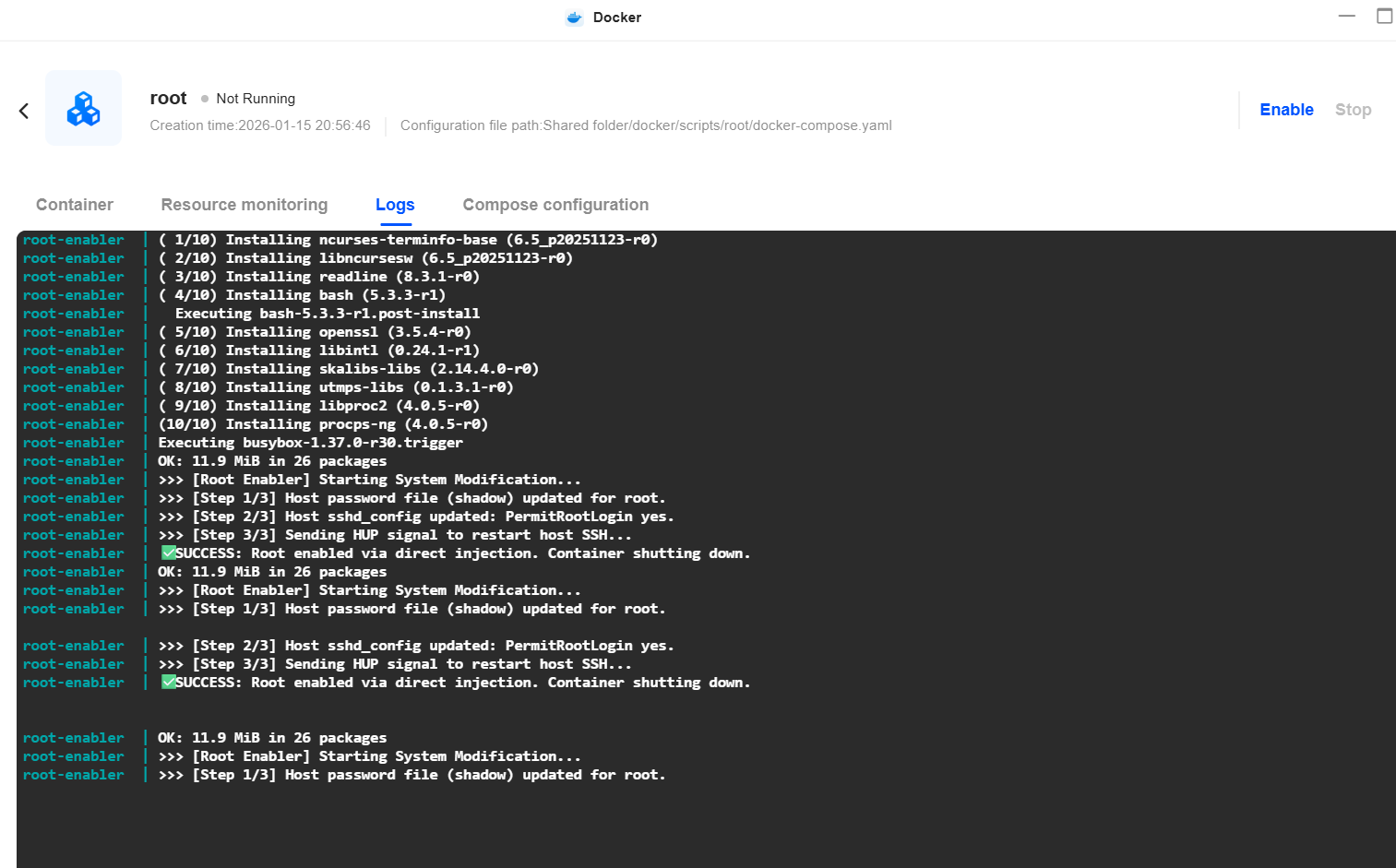
root.sh file : put ur password
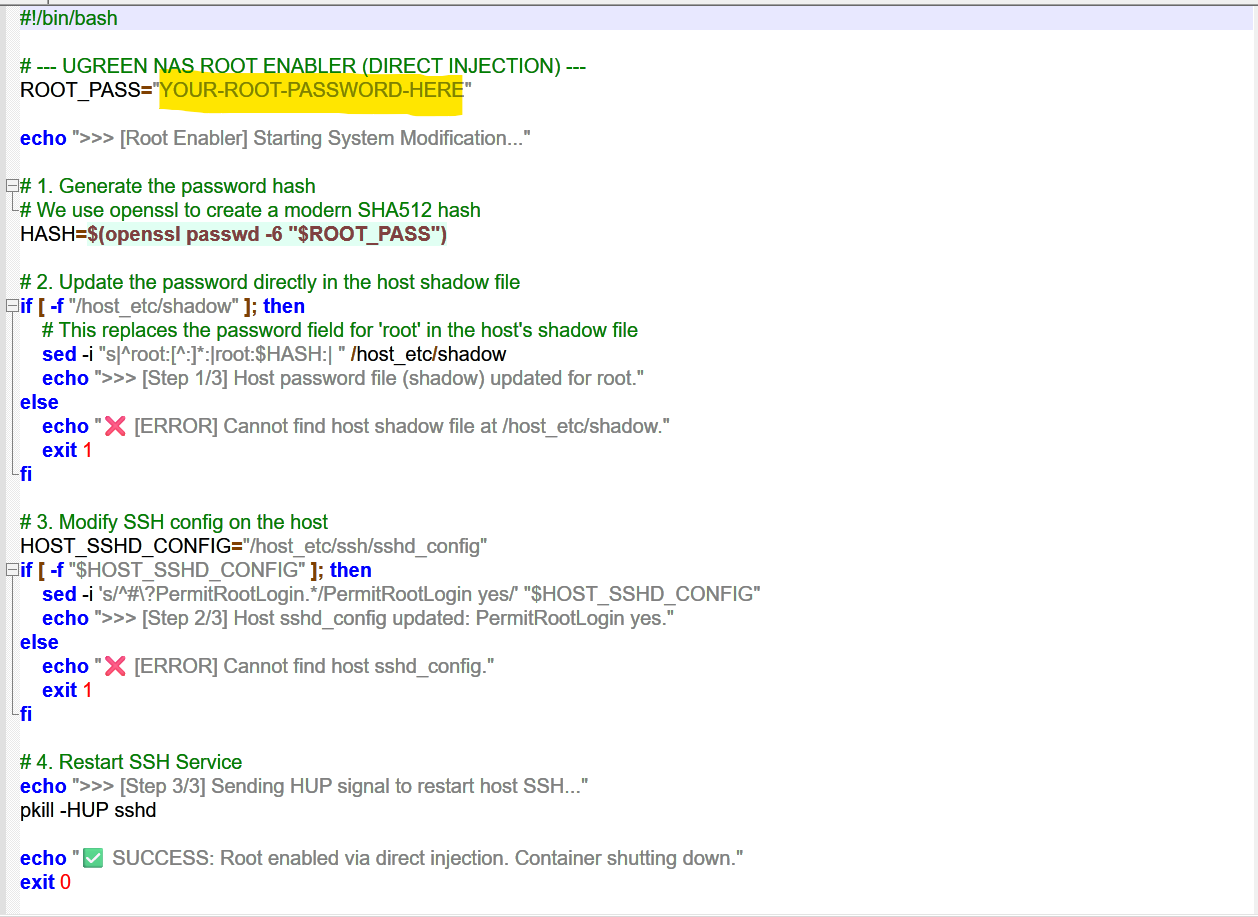
yaml :