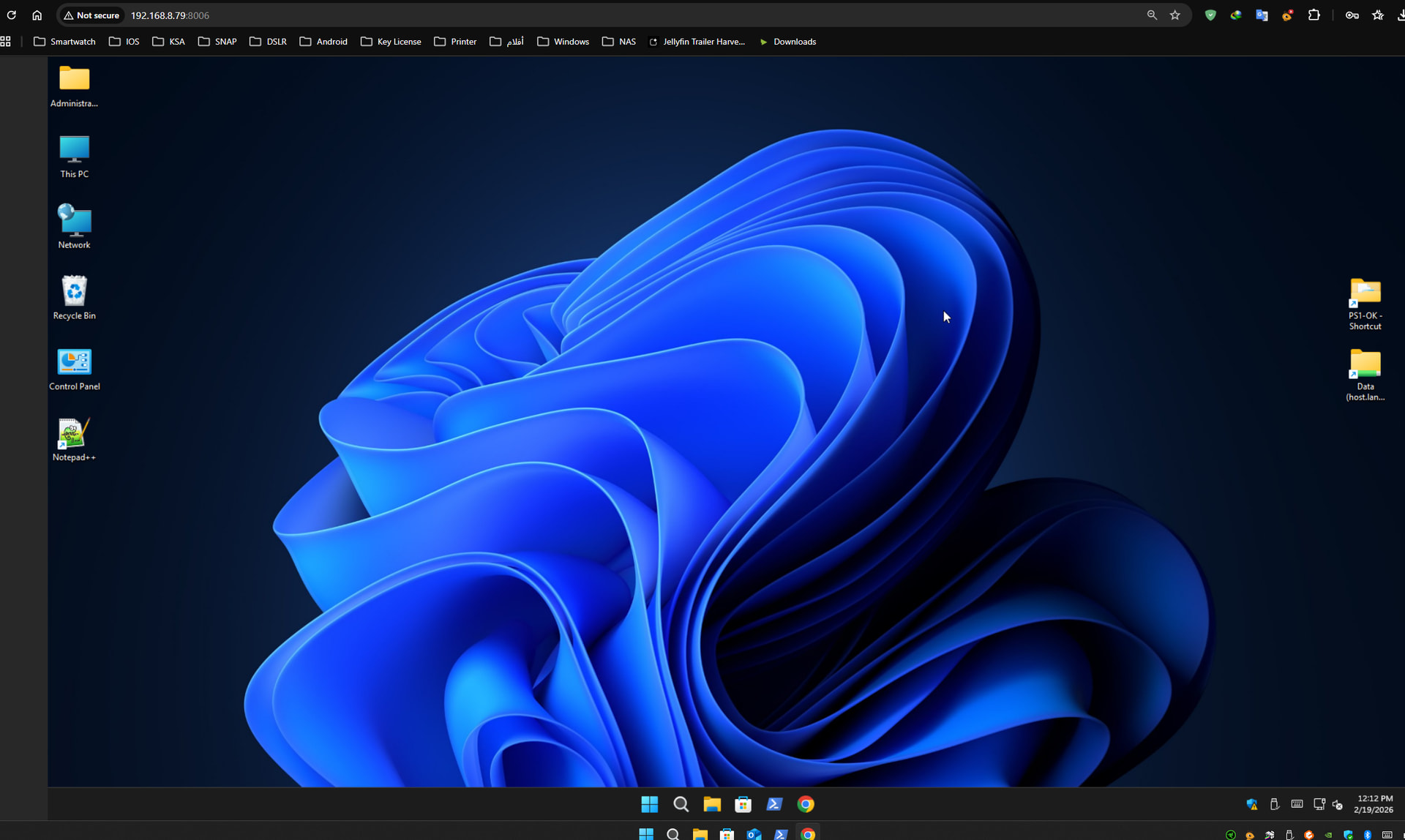
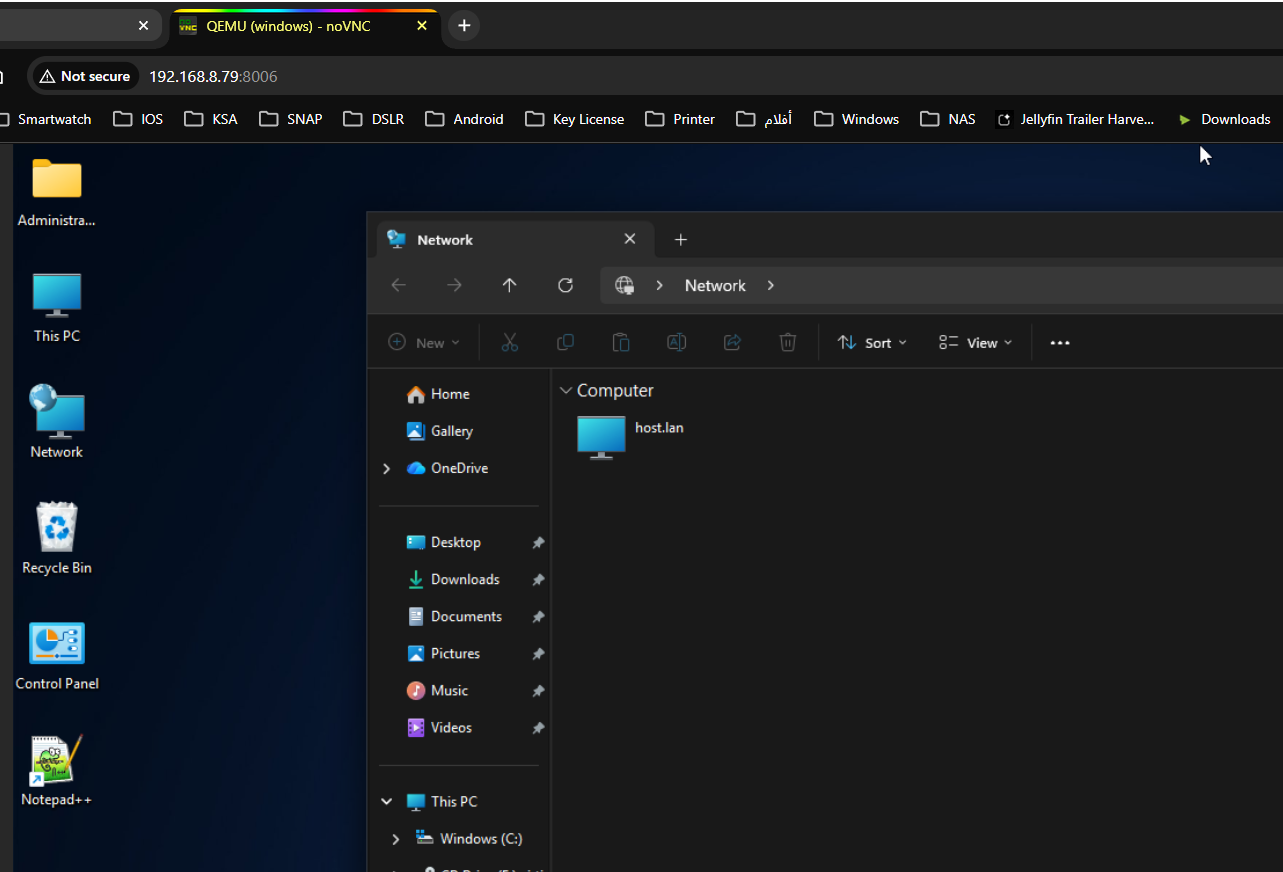
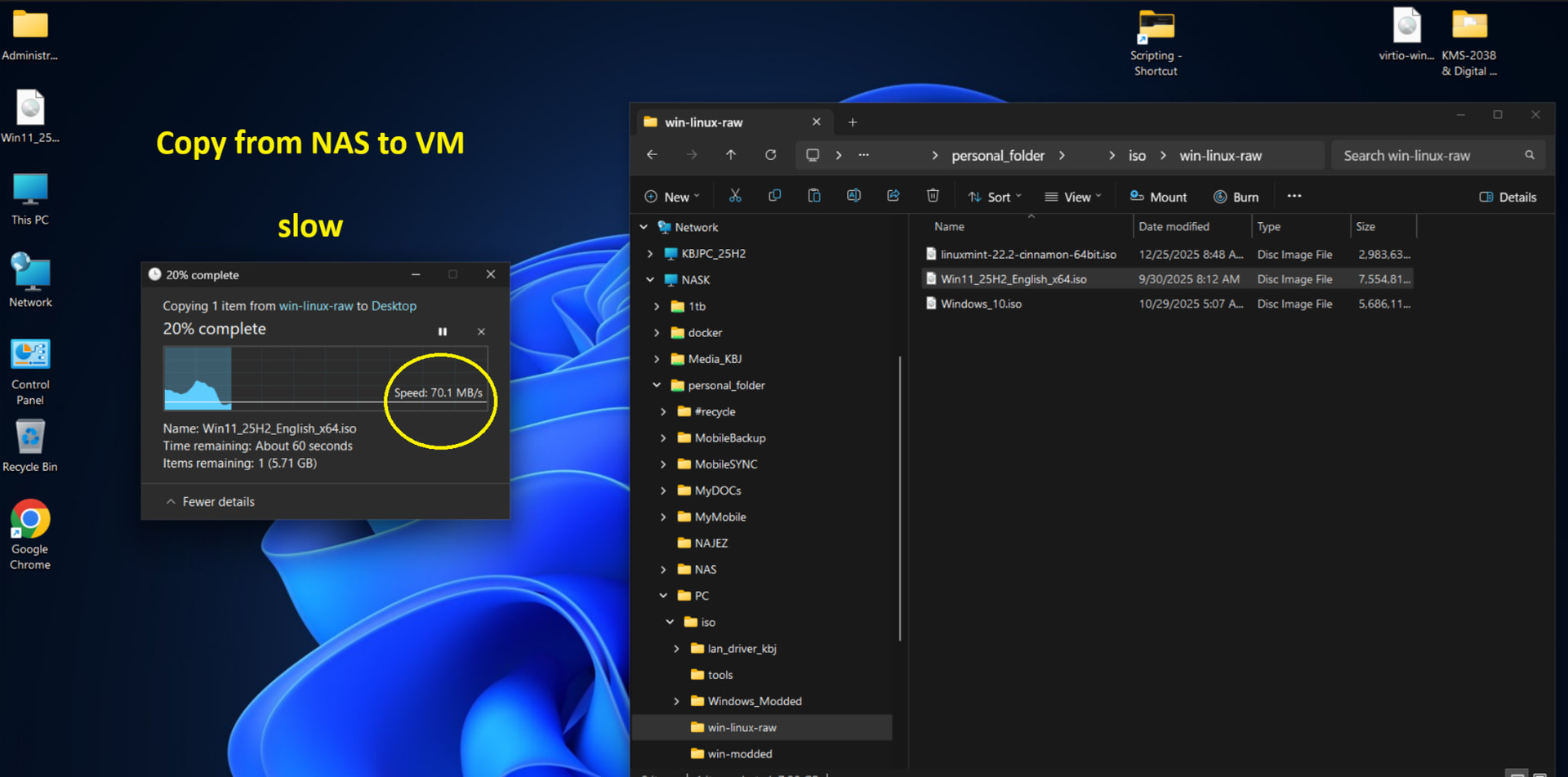
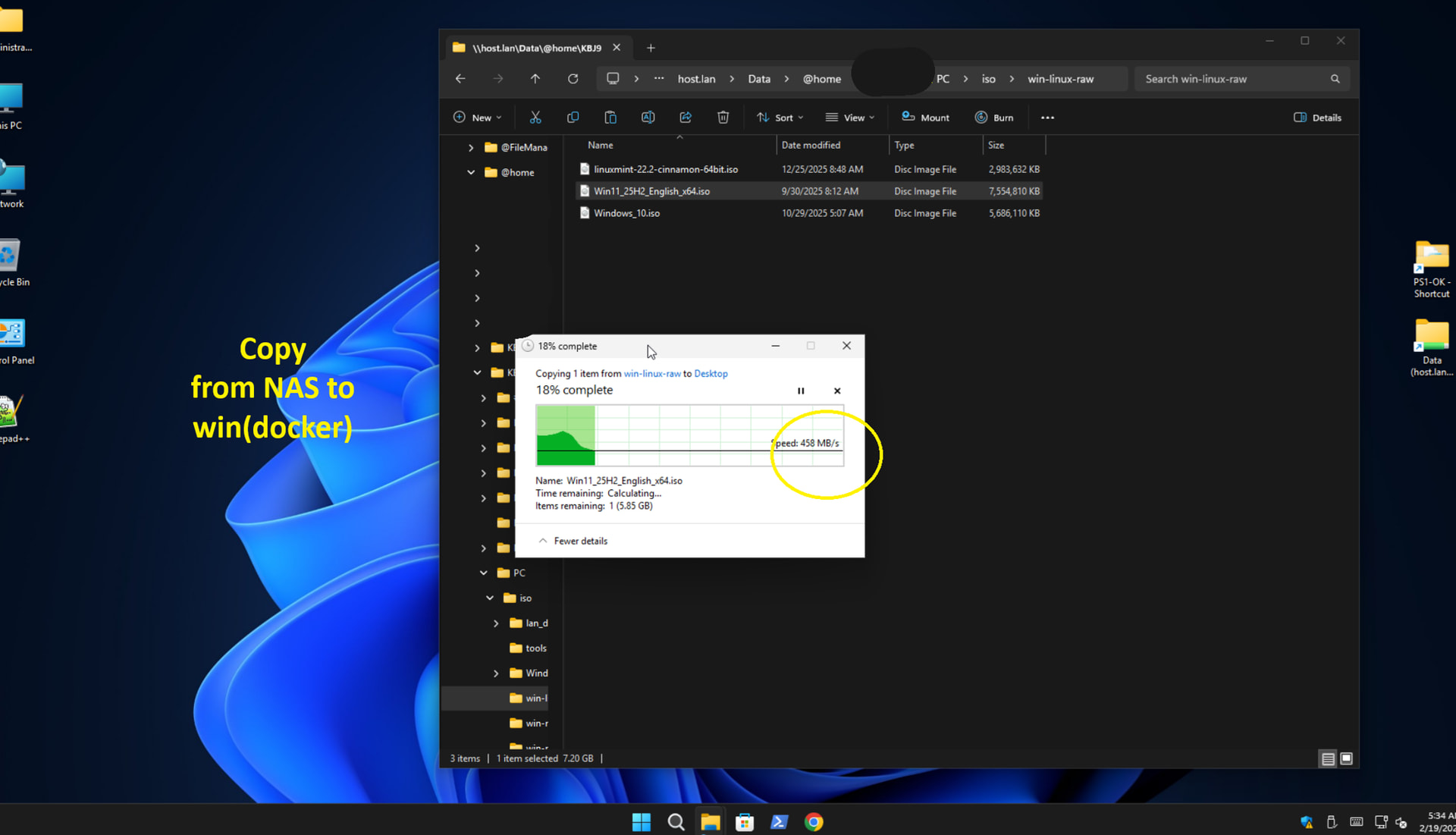
I have tried the virtual Machine native app BUT docker way is faster and more stable.
so I would like to share windows 11 pro with : image: dockurr/windows
here is best settings for me to make it works flaulessly
- skip iso download and point it to local iso
- intel iGPU Passthrough
- port for web browser
- other port for RDP app
- for better performance you have to install : virtio-win-0.1.285.iso when logged in to windows
services:
  windows:
    image: dockurr/windows
    container_name: windows_11_pro
    privileged: true
    user: "0:0"  # for  hardware/volume access
    environment:
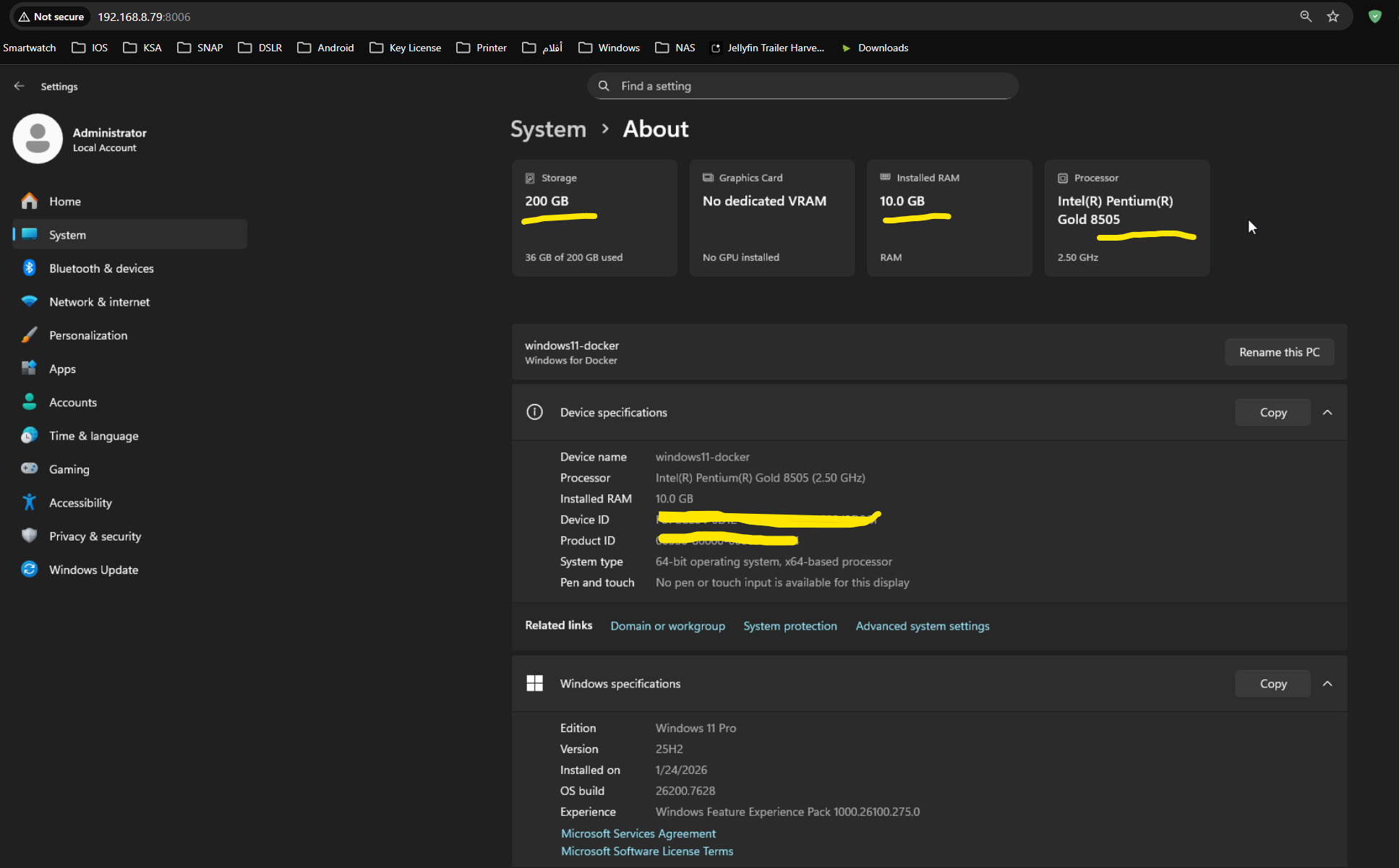
      RAM_SIZE: "10G"      # depend on RAMS you have
      CPU_CORES: "2"       # depend on your CPU
      CPU_MODEL: "host"           # Direct passthrough for speed
      DISK_SIZE: "200G"           # Your 200GB C: Drive

      # Auto-Login & Admin Setup
      USERNAME: "Administrator"
      PASSWORD: "admin"

      KVM: "Y"
      SCREEN_RESOLUTION: "1920x1080"
      TZ: "Asia/Riyadh"
    devices:
      - /dev/kvm
      - /dev/dri:/dev/dri        # Intel iGPU Passthrough
    cap_add:
      - NET_ADMIN
    ports:
      - 8006:8006                # for Web Viewer
      - 3389:3389/tcp            # for RDP
      - 3389:3389/udp
    volumes:
      # Main OS Data
      - /volume1/docker/windows11:/storage
      # FORCE skip download with your local ISO
      - /home/KBJ/iso/Win11_25h2.iso:/custom.iso:ro     # you can map the local iso of windows in any location so no need to download it or double copy it
      #  Map drivers to the root so the container detects them
      - /home/KBJ911/NAS/windows/virtio-win-0.1.285.iso:/drivers.iso:ro
      # HERE I HAVE MAPPED THE entire NAS root (/volume1) to :/shared  CHANGE IF YOU NEED TO
      - /volume1:/shared
    restart: "no"
    logging:
      driver: "json-file"
      options:
        max-size: "10m"
        max-file: "3"