I ended up setting up a reverse proxy using Zoraxy (installed via Docker) which is a great way access something like Immich running on your NAS.
The nice thing with Zoraxy is that it’s very user friendly and walks you through the entire process and it can also be used for hosting a simple website on your NAS. It has a nice step by step wizard that takes you through the few steps you need to do to get up and running.
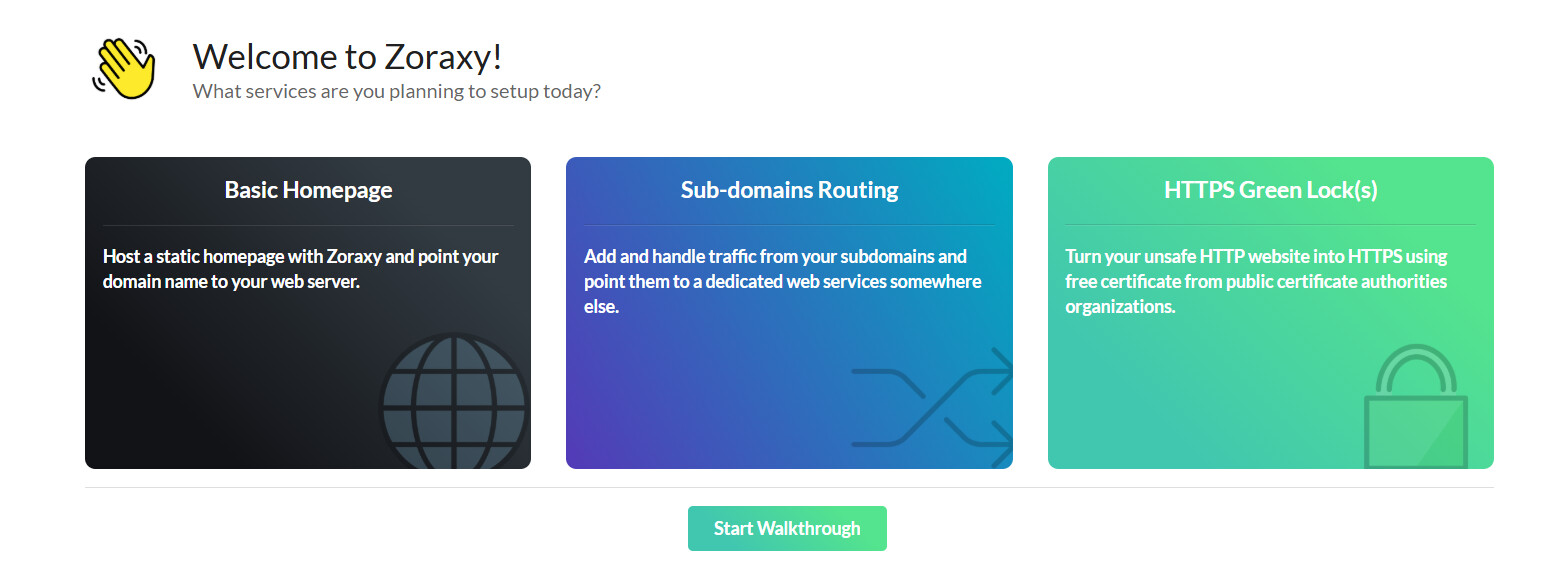
Just remember to open up port 443 and 80 on your router and forward them to your NAS. Zoraxy will pick up on those two port so you don’t have to open any otherer ports towards the internet. Zoraxy has a built in blacklist that you can use to block countries you don’t want to be able to access your NAS and even though this isn’t a perfect solution to block all threats, you can also enable the firewall in your NAS if you think the one in your router won’t do the job.
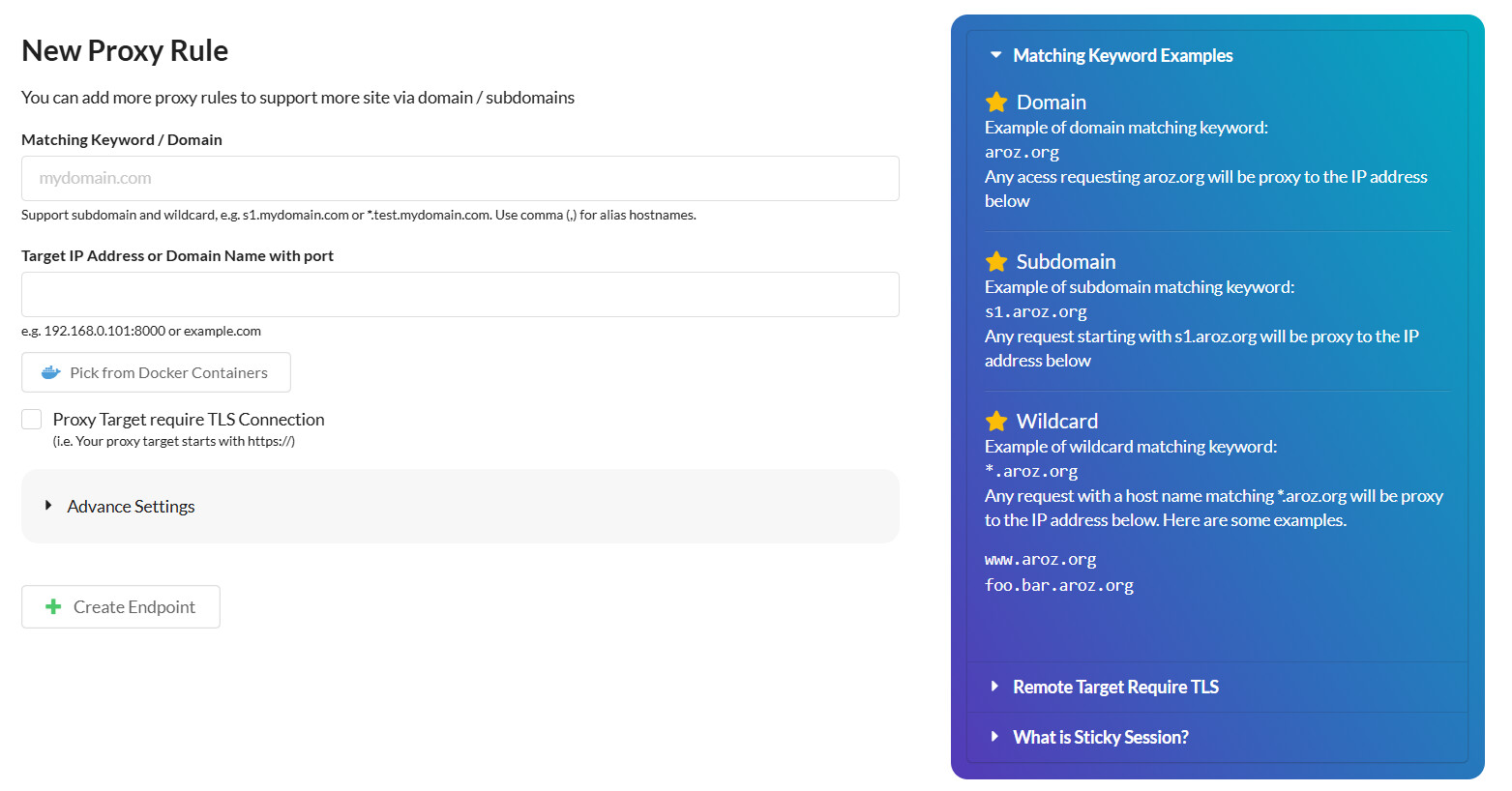
The reason you need to open port 80, is so Zoraxy can renew your TLS/SSL certificates, as Let’s Encrypt requires port 80 to communicate. This took me a while to figure out and was a bit of a pain, since this isn’t really documented anywhere. The port forwarding in your router should only include the external port, the protocol (TCP should be enough) and the IP address of your router and whatever you want to call the service. You should not add an internal port, nor a source IP address.
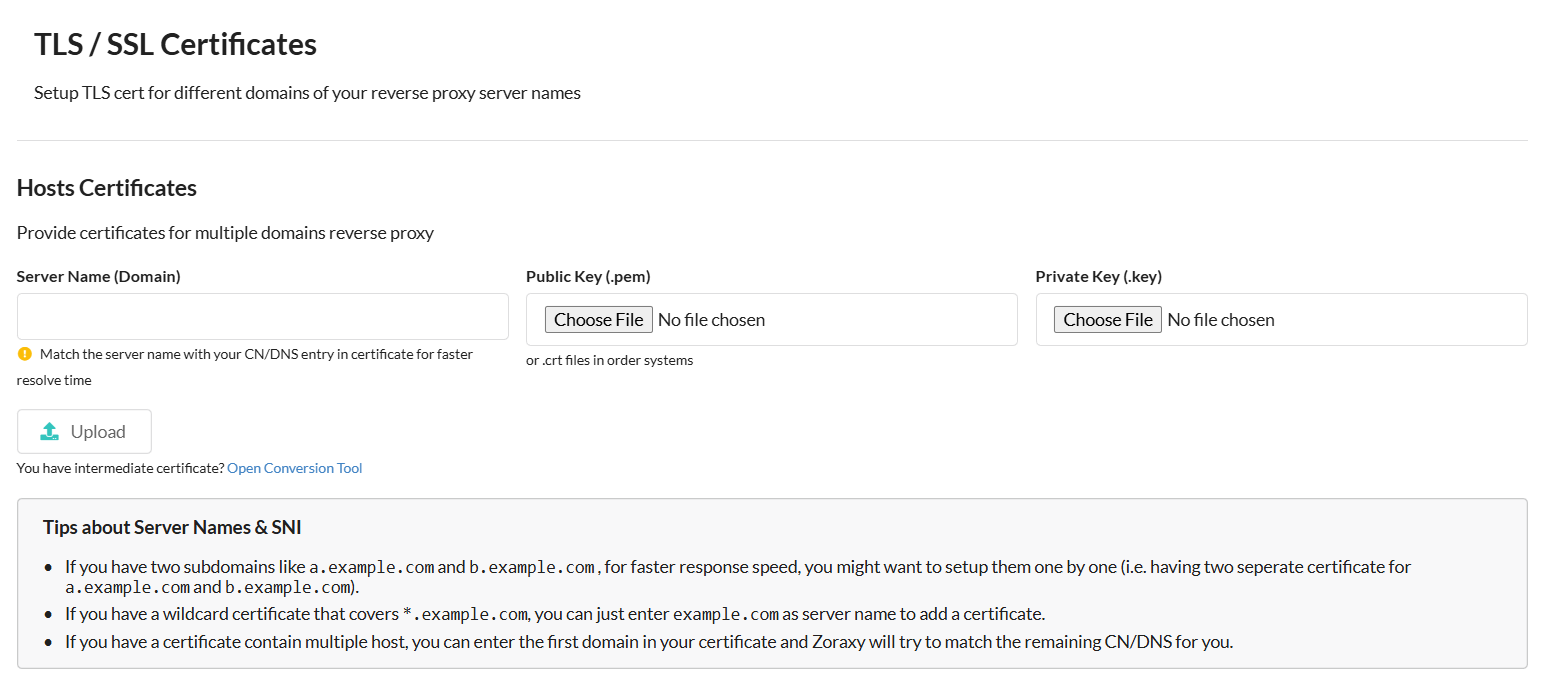
Using a reverse proxy obviously requires that you own a domain name and that your hosting company allows you to manage your DNS records so you can point a subdomain or several, towards a static IP address from your ISP. Without a static or at least a stable dynamic IP address that doesn’t change too often, using a reverse proxy isn’t going to work.
I tried several other reverse proxy options without much success, but that might be because I didn’t really understand the instructions, but Zoraxy made it all pretty easy and made we understand what I had done wrong, when things weren’t working. Hopefully my attempt to a simple guide of things you need to do outsize of Zoraxy here, will be useful to anyone trying this.
Make sure you don’t open up your NAS UI or face other sensitive things towards the internet, use a VPN for remote access to those, this is more for services with its own login that needs internet access for them to be useful, such as Immich.